New Version Available - Now With Detailed Shredding Results After Every Operation
Download Now

Common Ways Deleted Files Are Recovered (And How Shredding Stops It)

This document explains how deleted files can be recovered using standard deletion methods and how secure file shredding prevents recovery. The included visual graphic demonstrates the difference between normal deletion and secure shredding.
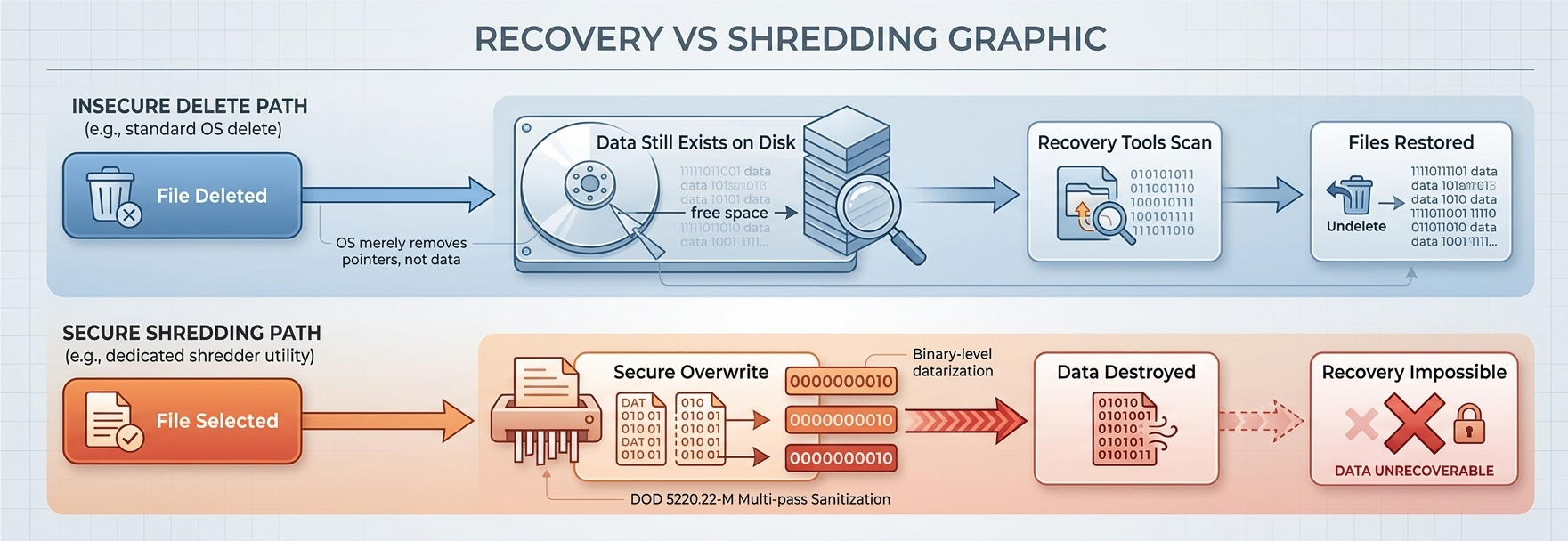
Recovery vs Shredding

How Deleted Files Are Recovered

When files are deleted normally, they are not immediately removed from the disk. Understanding how this process works is crucial to recognizing why secure file shredding is so important.

  • When files are deleted normally, they are not immediately removed from the disk.
  • The operating system simply marks the space as available for reuse.
  • Recovery software scans the disk to locate remaining file fragments.
  • If the data has not been overwritten, the file can often be restored.

How Secure File Shredding Stops Recovery

Secure file shredding employs multiple layers of protection to ensure that deleted files cannot be recovered by any means. Here's how it works:

  • Secure shredding overwrites the file contents with random data patterns.
  • This process occurs multiple times depending on the selected shredding method.
  • Once overwritten, the original data cannot be reconstructed.
  • Recovery software cannot restore shredded files.

Recommended Website Placement

This educational content can be strategically placed across multiple areas of your website to maximize its effectiveness:

  • Homepage — Place below the 'How Secure File Shredding Works' graphic.
  • Features Page — Include in a section explaining data security risks.
  • Landing Pages — Use as an educational trust-building visual.
  • Download Page — Position near privacy or security messaging.

Strategic Value

This graphic is particularly effective because it educates users about the risks of standard deletion while clearly showing the benefits of secure shredding. It builds urgency and reinforces the importance of using professional file shredding software. By understanding the technical differences between standard deletion and secure shredding, users can make informed decisions about protecting their sensitive data.
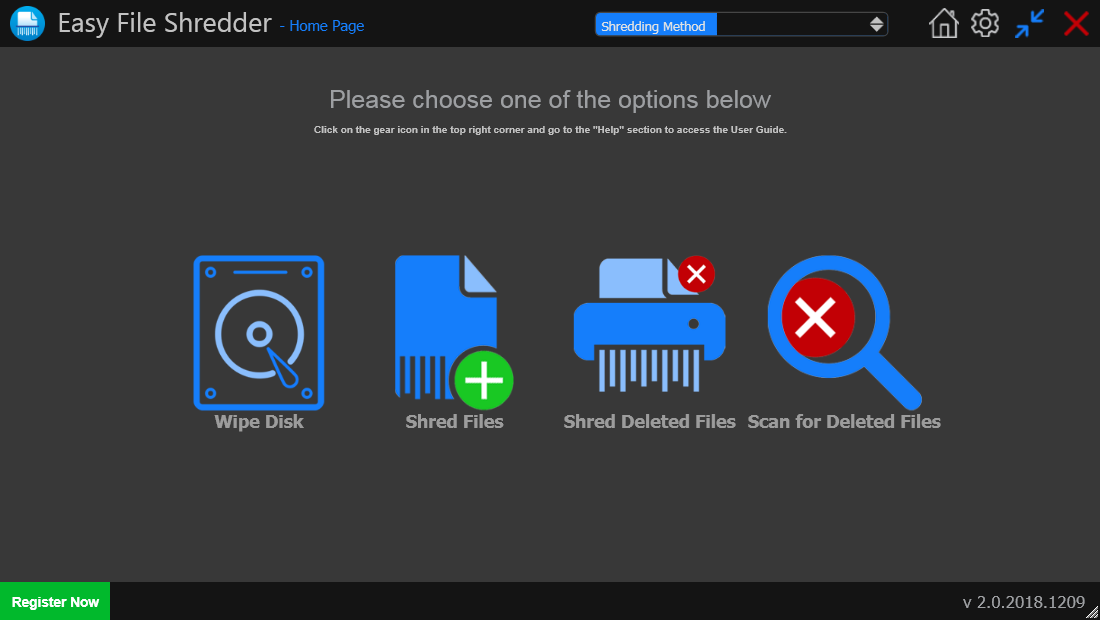
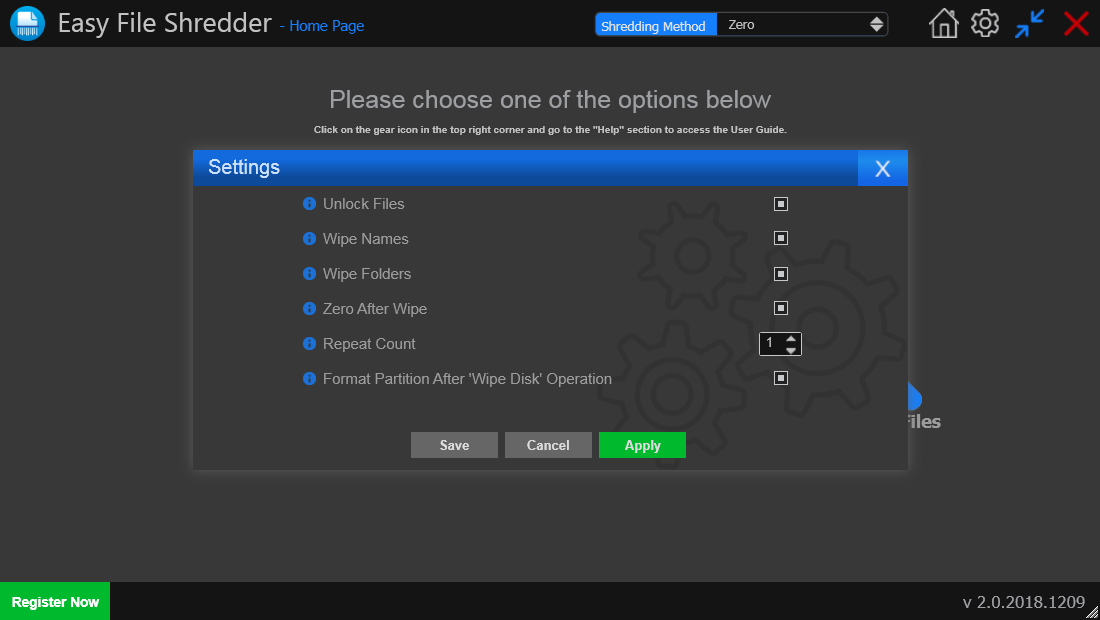
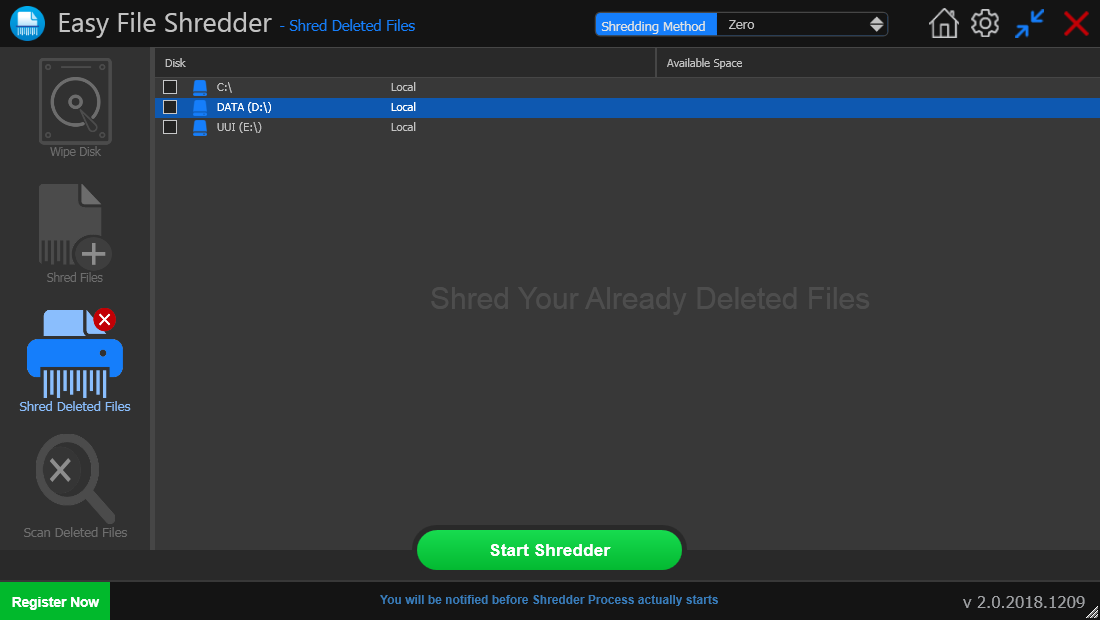
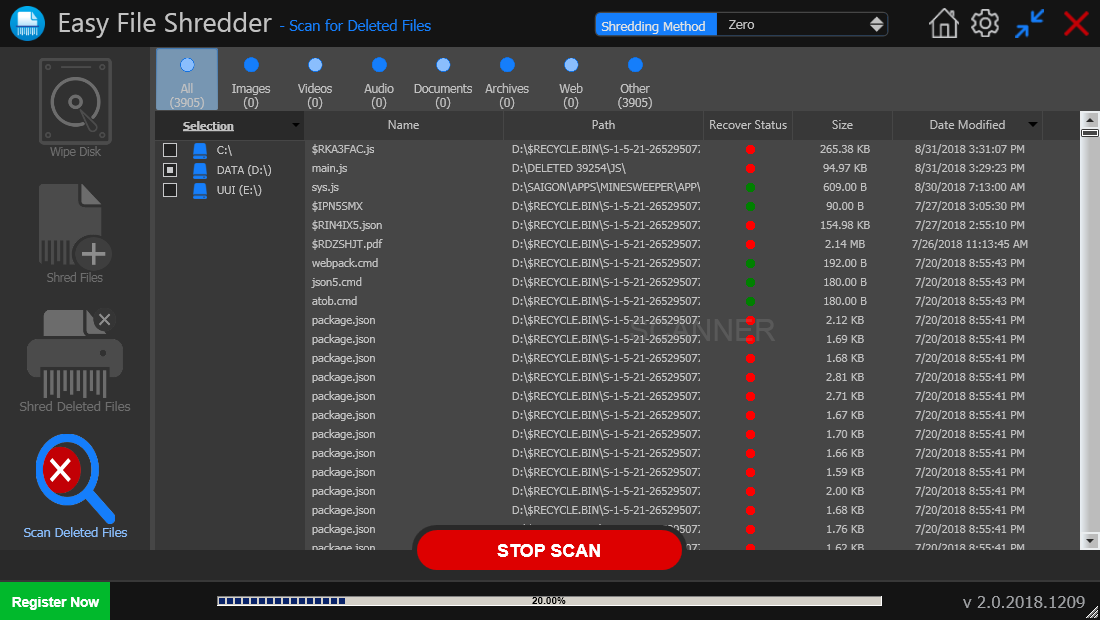
Screenshots

  • Screenshots
  • Screenshots
  • Screenshots
Compatible with:
Windows XP, Vista ,7, 8 ,10 & 11 (32/64 bit versions)
* HDD, SSD and USB flash drive supported