Easy File Shredder is an all-in-one data erasing solution for individuals and businesses. It helps to securely shred confidential files, remove all traces of already deleted files, and clean-wipe hard drive space to ensure that no private data can be recovered.
Easy File Shredder is designed for fast and secure file removal. It's a secure file eraser app that removes files with a special set of binary data multiple times. In other words, it overwrites files several times with different characters and numbers to completely hide the original data.
This process, known as data shredding, ensures that no file recovery software can undelete any bits of the original file. By using highest-standard algorithms, it leaves no traces—rendering even professional forensic software ineffective.
Beyond individual files, use it as a disk wiper utility for HDDs or SSDs—essential when selling or giving away your computer.
Protect Your Privacy by Securely Deleting Files with Easy File Shredder!

Easy File Shredder now provides a full summary after every shredding operation, allowing users to verify exactly what happened during the deletion process.
Each report includes:
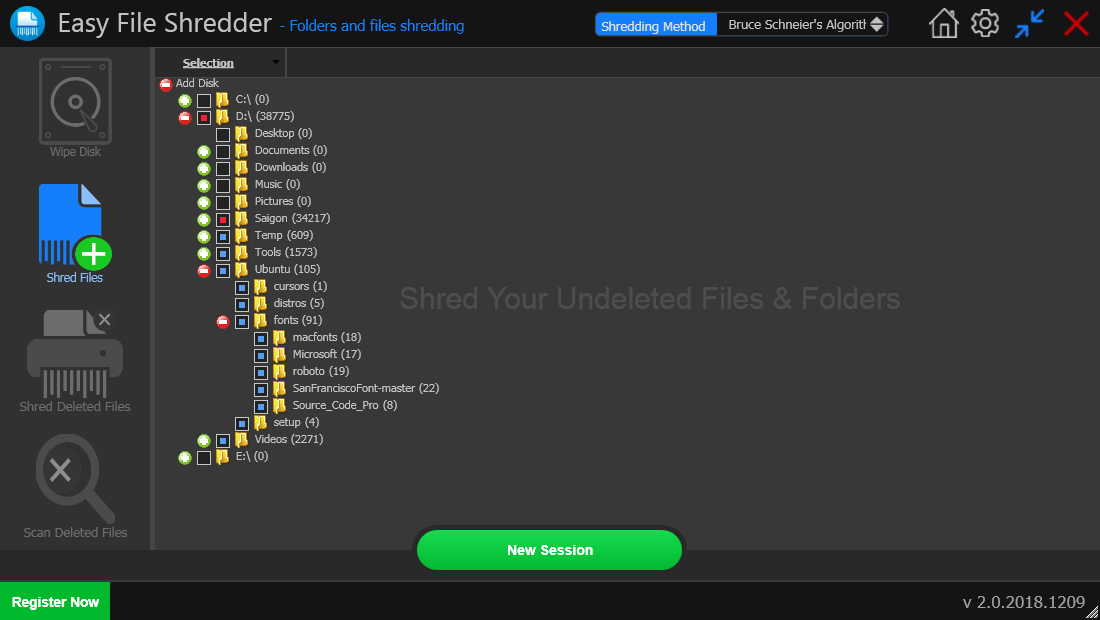
Delete files containing your private information in a secure way. Shredding them will ensure that nobody will be able to recover them and get hold of your private information. When you delete files with Easy File Shredder, they are overwritten with random data patterns, which completely remove all traces of the original file.
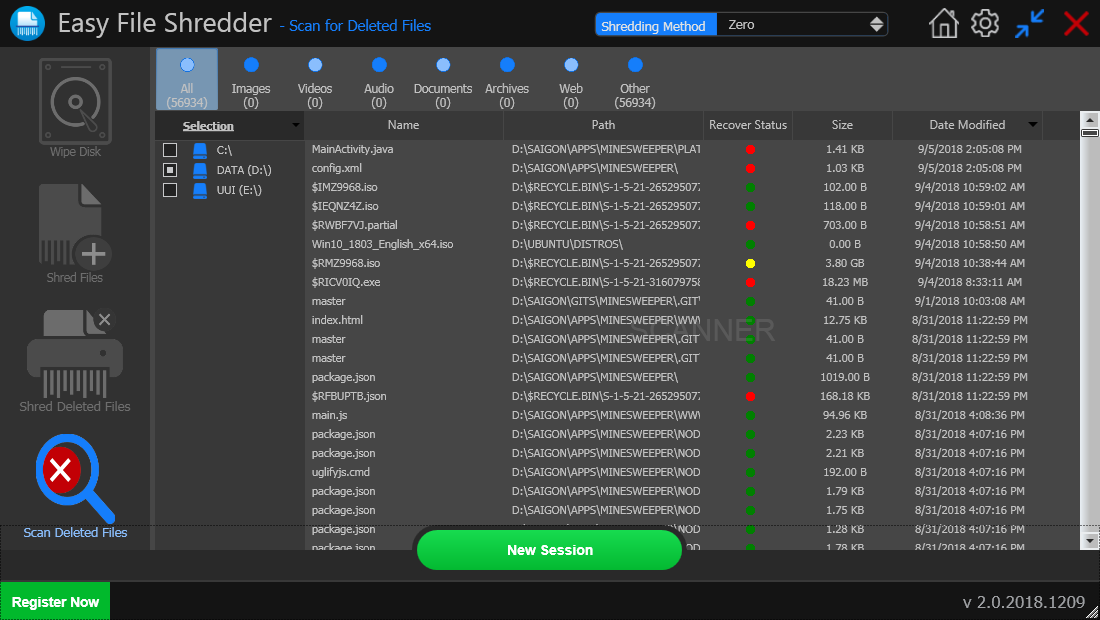
Easy File Shredder can shred already deleted files from hard drive free space. This gets rid of traces of all previously deleted files quickly and securely without affecting any existing files. The program uses DoD 5220.22 and DoD 5220.22-M shredding algorithms, which guarantee maximum security.
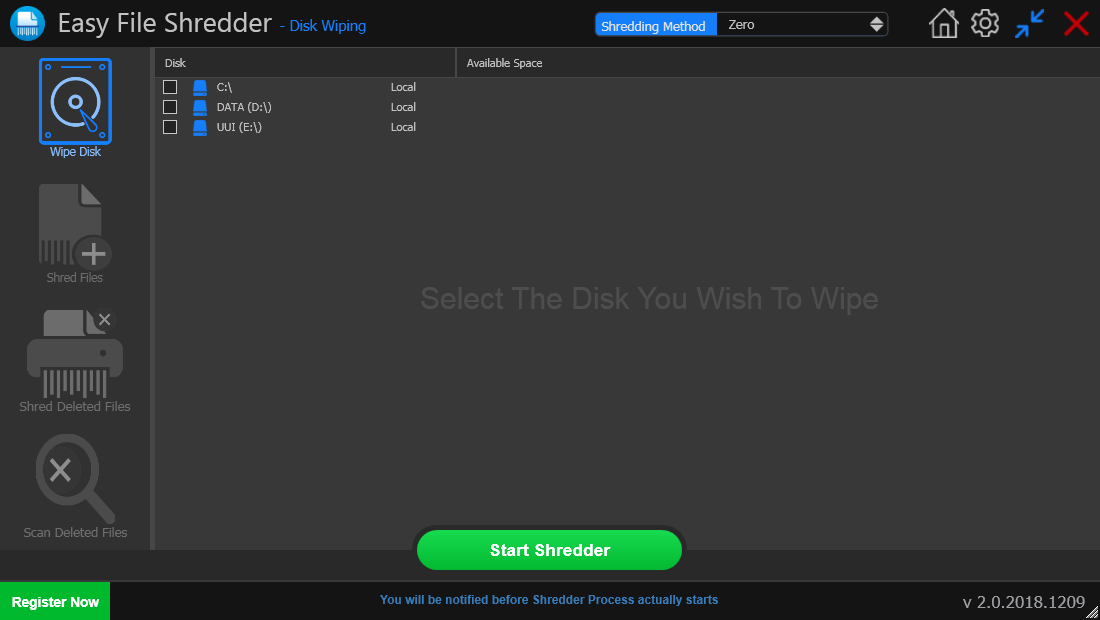
If you're planning to sell or give away your computer, simply formatting the hard drive isn't enough. There is software that can recover data even after a quick format, which compromises your privacy. Wiping your hard drive with Easy File Shredder will ensure that all data will be gone for good and nobody will be able to recover it using professional file recovery software.
Easy File Shredder offers you a choice of 13 advanced algorithms to securely erase private data:
Compare features and security levels across different deletion types.
| Feature | Easy File Shredder | Basic File Shredder | Standard Delete |
|---|---|---|---|
| Secure File Shredding | |||
| Multiple Shredding Algorithms | |||
| Free Space Wiping | |||
| Detailed Completion Reports NEW | |||
| Permanent Data Destruction | |||
| Easy-to-Use Interface |
Easy File Shredder is very easy to use. Shredding files or free space is an easy three-step process. All you need to do is launch the program, select the files to shred and use one of Easy File Shredder’s algorithms.
Users choose the files or folders they want to permanently delete.
A secure shredding algorithm is selected based on the desired security level.
The software overwrites file contents multiple times to prevent recovery.
The system displays detailed completion results confirming secure shredding.
Streamlined navigation designed for both beginners and power users.
Choose from standard overwrites to military-grade DoD algorithms.
Seamlessly wipe data from HDDs, SSDs, and external storage units.
Dedicated tools for SD Flash, Compact Flash, and USB drives.
Test the full power of our engine with a generous file limit.
Locate "ghost" data and ensure permanent deletion from your disk.
Safety prompts ensure you never delete critical files by accident.
Configure specific overwrite patterns to fit your security needs.
Advanced safeguards protect OS files from being removed by mistake.