New Version Available - Now With Detailed Shredding Results After Every Operation
Download Now

File Shredding Algorithms Comparison Guide

This document provides a visual comparison of common file shredding algorithms used in secure data destruction. It is designed for use on the Easy File Shredder website to help users understand the strength of different shredding methods.

Data Sanitization Methods

Algorithm Typical Passes Security Level
Simple Overwrite 1 Pass Basic
Random Overwrite 3 Pass Moderate
DoD 5220.22-M 3–7 Pass High
Schneier Method 7 Pass Very High
Gutmann Method 35 Pass Maximum

Algorithm Descriptions

Easy File Shredder supports multiple industry-standard algorithms, each designed for different levels of security requirements:

  • Simple Overwrite — Quick deletion of non-sensitive files (Typical Passes: 1 Pass, Security Level: Basic).
  • Random Overwrite — General personal data (Typical Passes: 3 Pass, Security Level: Moderate).
  • DoD 5220.22-M — Sensitive personal/business files (Typical Passes: 3–7 Pass, Security Level: High).
  • Schneier Method — Confidential data destruction (Typical Passes: 7 Pass, Security Level: Very High).
  • Gutmann Method — Top-level security requirements (Typical Passes: 35 Pass, Security Level: Maximum).

Recommended Website Placement

This comparative guide can be strategically placed across multiple sections of your website:

  • Features Page — Place near the shredding algorithms section.
  • Homepage — Include below the 'How Secure File Shredding Works' process graphic.
  • Download Page — Add within security information or advanced features sections.
  • Comparison Pages — Use to demonstrate the strength and flexibility of available methods.

Strategic Design Recommendations

When implementing this comparison guide across your website, consider the following design recommendations to maximize impact and user understanding:
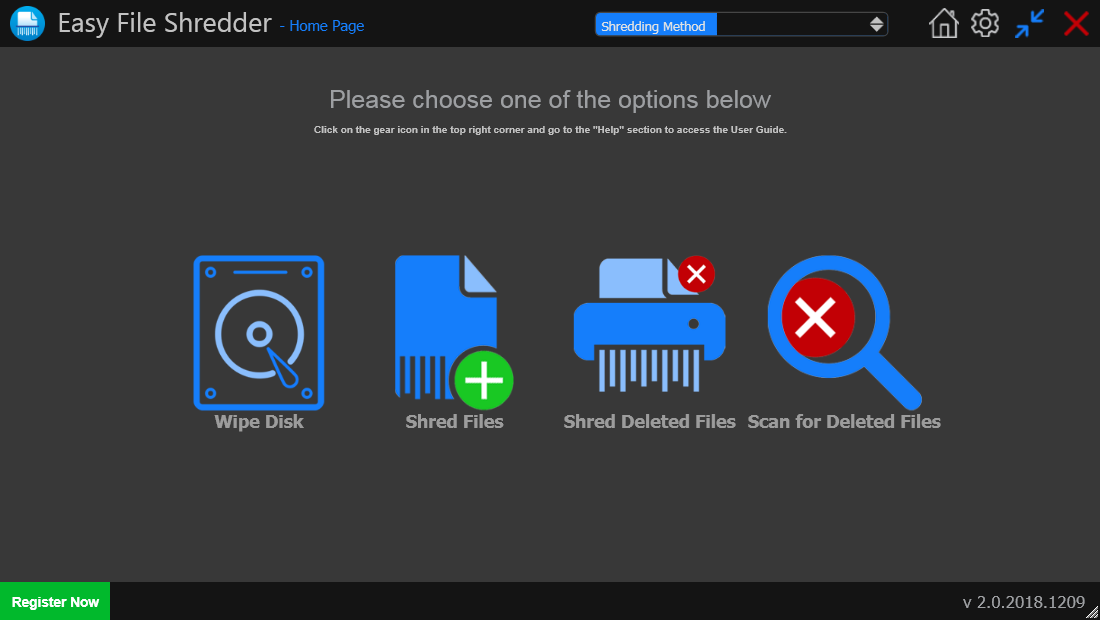
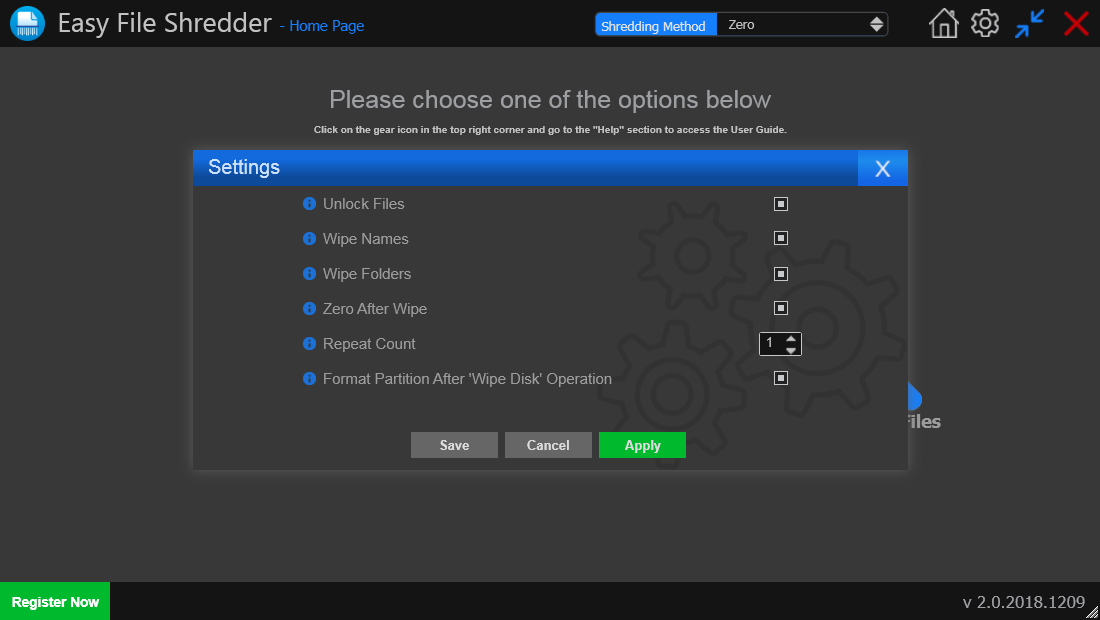
  • Highlight DoD and Gutmann methods visually to emphasize professional-grade security.
  • Use brand colors to differentiate security levels visually.
  • Consider adding icons (shield, lock, checkmark) next to higher security levels.
  • Create both desktop and mobile-friendly versions of the graphic.

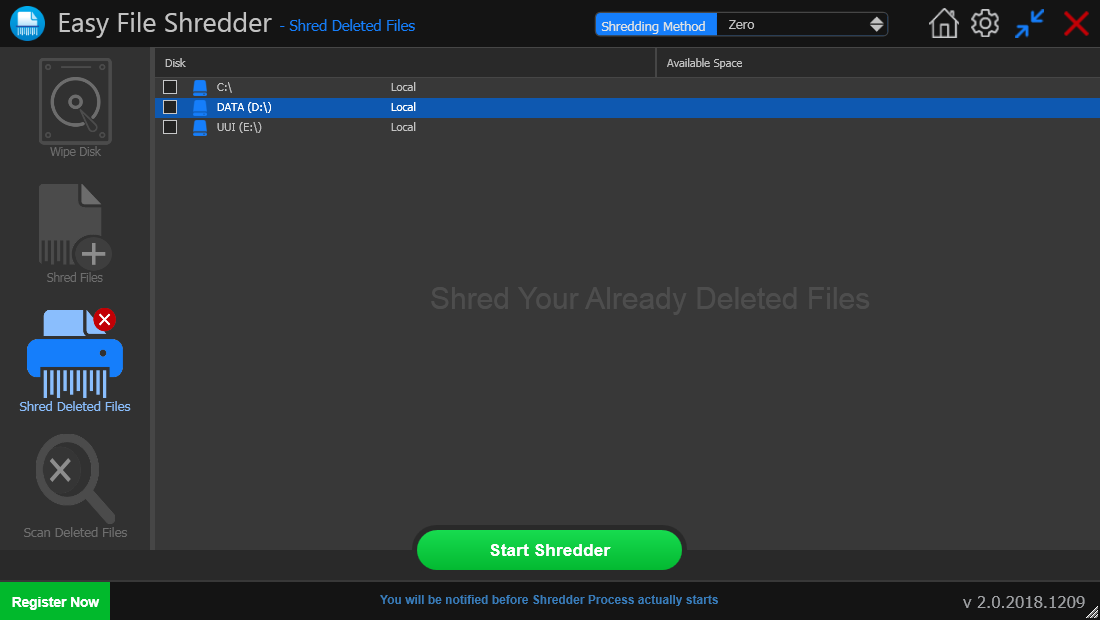
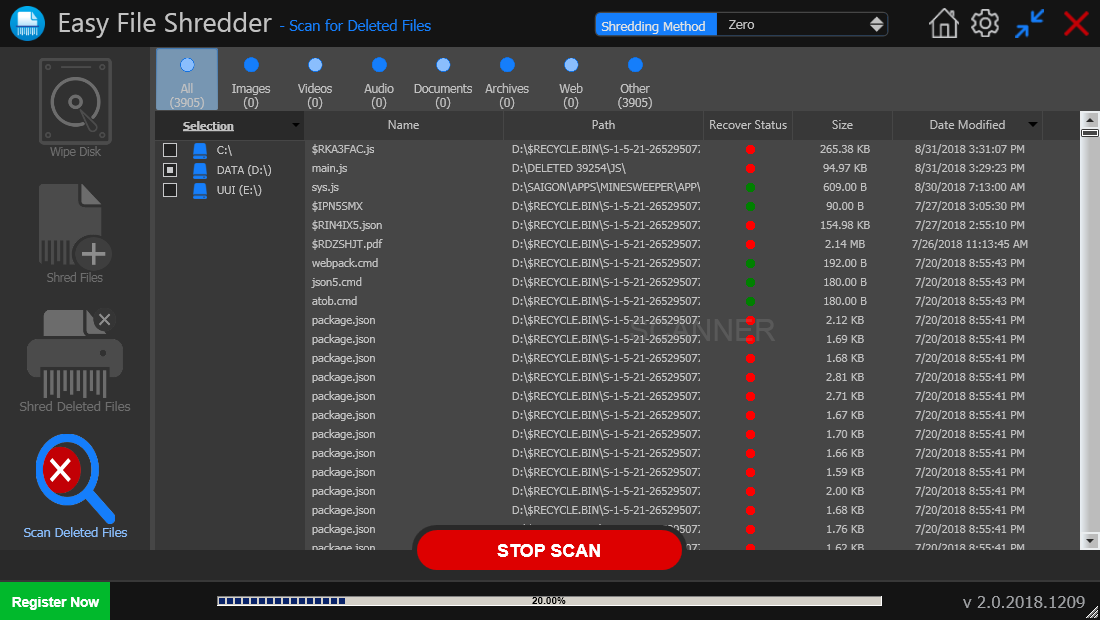
Screenshots

  • Screenshots
  • Screenshots
  • Screenshots
Compatible with:
Windows XP, Vista ,7, 8 ,10 & 11 (32/64 bit versions)
* HDD, SSD and USB flash drive supported